Turn studying into remembering.

Daily Decks
An Anki-compatible flashcard app for iPhone, with modern spaced repetition and private, on-device AI that turns your study notes into cards.
Now available on the App Store

See it in action
A clean, modern interface that stays out of your way.
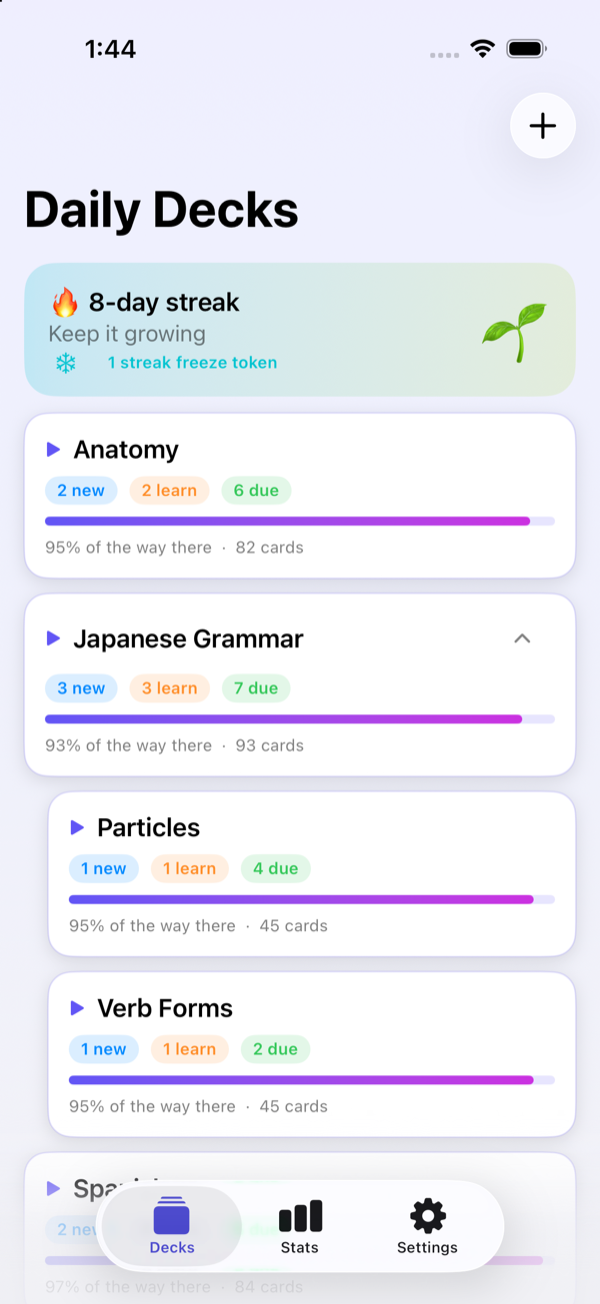
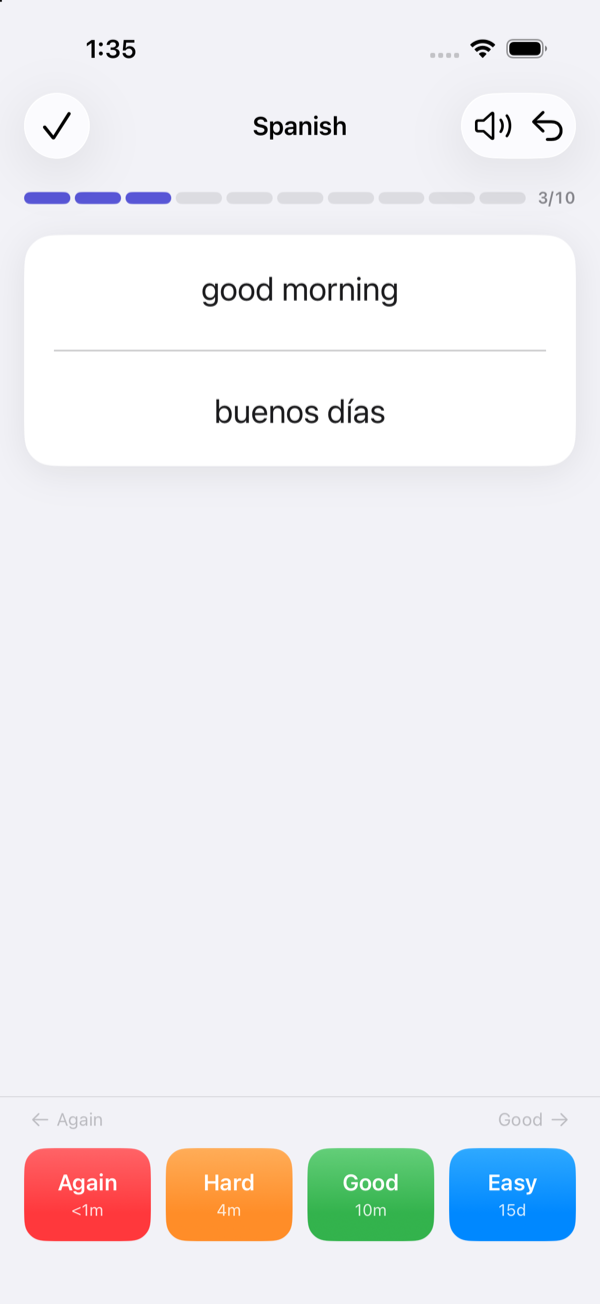
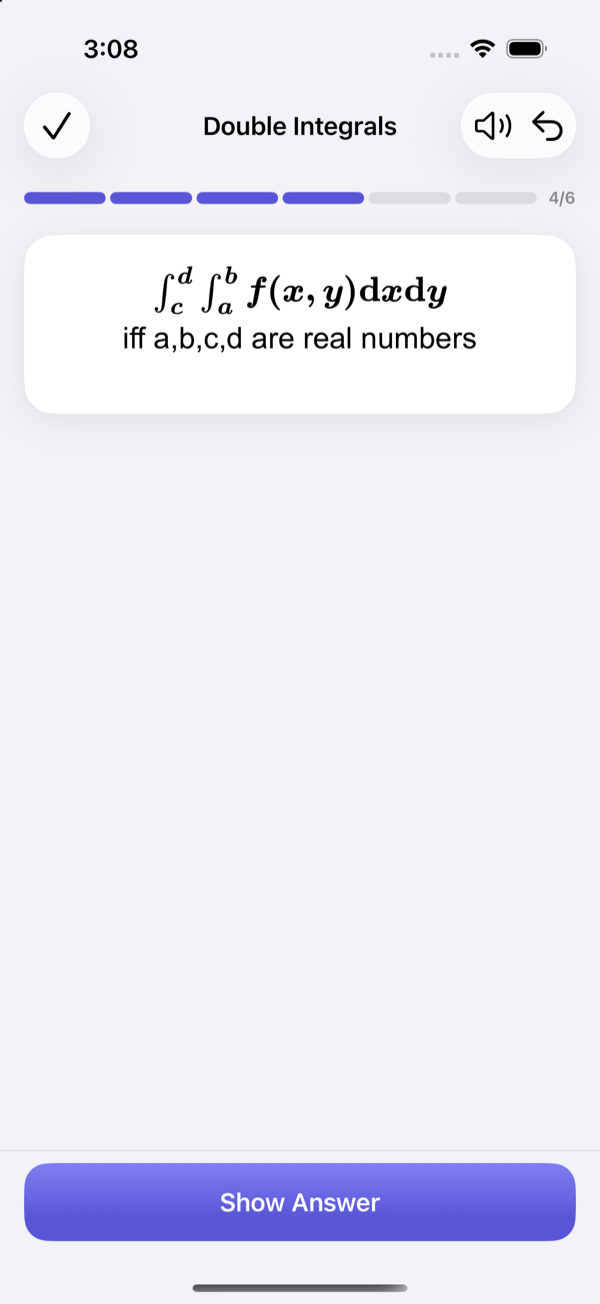
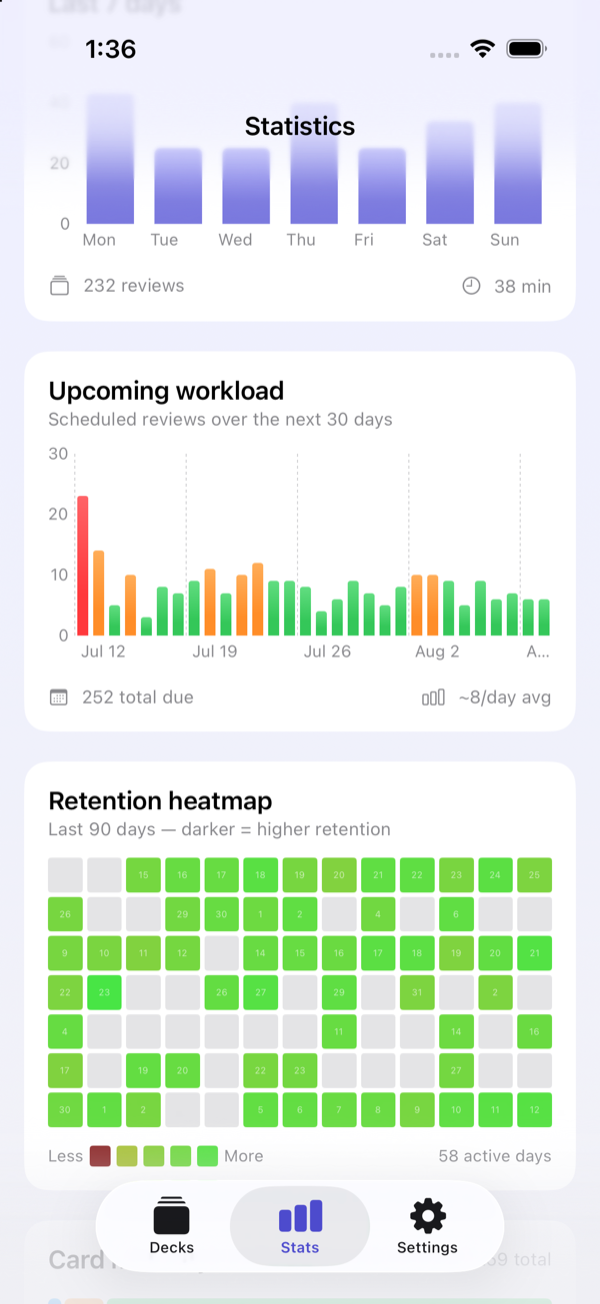
Watch Daily Decks in action
Short clips showing off what the app can do.
Anki import & export
Bring your Anki collection in — media and scheduling intact — and export any time.
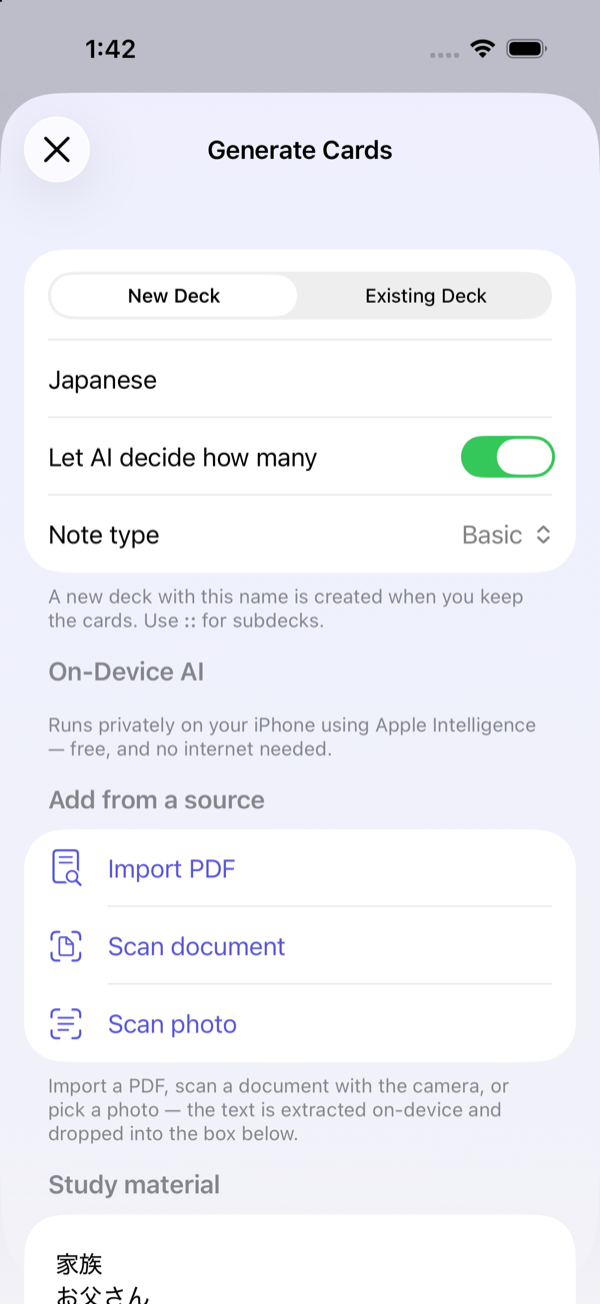
On-device AI generation Pro
Turn a PDF or your study notes into ready-to-review cards, all on your device. A Daily Decks Pro feature.
Streaks & retention heatmap
Build daily streaks and watch your retention climb on a colourful heatmap.
Image occlusion
Turn diagrams and screenshots into hide-and-reveal cards.
Learn it once. Remember it for good.
Three steps from a pile of study notes to lasting recall.
Add your cards
Import your existing Anki decks, or let on-device AI turn PDFs, study notes, and photos into ready-to-study cards.
Study smart
A modern FSRS scheduler shows each card at the exact moment you're about to forget it — fewer reviews, better recall.
Remember for good
Build daily streaks and watch your retention climb on a colourful stats heatmap.
Why Daily Decks
Built for serious learners who care about their data.
Private by design
AI runs on-device with Apple Intelligence, and your study data stays on your device. It never touches our servers.
Proven memory science
FSRS v5 and classic SM-2 scheduling squeeze maximum retention from minimum review time.
Bring your whole library
Import Anki .apkg files and AnkiWeb decks — media, formatting, and scheduling intact.
Everything you need to study well
A generous free app, with three power features in Pro.
In every download
Smart FSRS scheduling
The latest FSRS v5 algorithm (and SM-2 if you prefer) times every review for the moment just before you'd forget.
Anki import & export
Move your collection in from Anki or AnkiWeb, and export any time. Your decks are always yours.
Image occlusion
Turn diagrams and screenshots into hide-and-reveal cards — manually or automatically.
Math & science ready
Beautiful MathJax and LaTeX rendering for formulas, equations, and chemistry.
Streaks that motivate
Keep your momentum with daily streaks and streak freezes for the days life gets in the way.
Stats & retention heatmap
See exactly how your memory is trending with clear charts and a retention heatmap.
Home screen widgets
Your due count and streak, one glance away — a gentle nudge to keep going.
Unlocked with Daily Decks Pro
On-device AI card generation
Drop in a PDF, lecture notes, or an image and get draft cards in seconds — processed entirely on your device.
Custom study
Cram and drill any deck on demand — review ahead of an exam, focus on your hardest cards, or learn extra new ones. Your schedule and streak stay untouched.
Simple pricing. No subscription.
Everything you need to study is free. Unlock the extras once, forever.
- Unlimited decks & cards
- FSRS v5 & SM-2 scheduling
- Anki & AnkiWeb import / export
- Image occlusion & MathJax
- Stats, heatmap, widgets & streaks
Base price in the US. Your local price is set per App Store region and may be lower where you live — check the App Store for the exact price in your currency.
- Everything in Free
- On-device AI card generation from PDFs, study notes & images
- Custom study — cram & drill any deck on demand
- Family Sharing included
Frequently asked questions
Everything else you might be wondering.
Copy your .apkg file into iCloud Files and import it into Daily Decks, or download a deck directly from AnkiWeb. Media and scheduling come across with it.
Yes. Importing an .apkg brings your cards, media, note types, and scheduling progress with them — so you pick up right where you left off instead of starting from scratch.
No lock-in, ever. You can export any deck back to a standard .apkg file at any time and open it in Anki on any platform. Your decks are always yours.
Not directly. To move decks to or from Anki, use .apkg import and export — and you can download shared decks straight from AnkiWeb.
Yes. Daily Decks faithfully renders your existing Anki note types and card templates — including cloze deletions and image occlusion — not a simplified subset.
Yes — Daily Decks renders MathJax and LaTeX, so formulas, equations, and chemistry look great on your cards.
Import a PDF, scan or photograph a page of notes, or paste in any text. Daily Decks drafts question-and-answer cards you can review and edit before saving.
AI generation uses Apple Intelligence, so it needs an Apple Intelligence–capable device with the feature enabled. On other devices everything else works — the AI generator is simply unavailable.
You're always in control. Every generated card is shown for review and editing before it's added to a deck — nothing is saved automatically.
You get 3 free generations to try it out. A one-time Daily Decks Pro purchase unlocks unlimited generation.
FSRS v5 is a modern spaced-repetition algorithm that models how your memory of each card fades and schedules reviews right before you'd forget — so you study less and remember more. Prefer the classic Anki algorithm? SM-2 is one tap away.
Yes. Set your desired retention, and optimize the scheduler's weights from your own review history for a schedule tuned to how you actually remember.
Cards support images, audio, and text-to-speech in 18 languages — handy for language learners and pronunciation cards.
Daily Decks runs on iPhone and iPad with iOS 17 or later, and on Apple Silicon Macs (via Designed for iPad). AI card generation additionally requires an Apple Intelligence–capable device.
Absolutely. Studying works offline, and even AI card generation runs on-device — no internet required.
Yes. AI card generation runs entirely on your device, and your study content stays on your device. We don't collect, see, or store your study content. Read our Privacy Policy.
Everything core is free: Anki import, unlimited decks, FSRS v5 & SM-2 scheduling, stats, widgets, and streaks. A one-time Daily Decks Pro purchase adds on-device AI card generation and custom study for cramming and drilling any deck on demand.
Yes. Daily Decks Pro is a single one-time purchase — no subscription, no account, no ads. It's possible because the AI runs on your device, so there's no server bill to cover.
Yes. One purchase unlocks Pro across all your devices signed in to the same Apple ID, and it's included with Family Sharing so your family can unlock it too.
Now available on the App Store.
Free to download, no account required.